
Adding a business partner in SAP Business One is an essential step for managing customers, vendors, and leads within the system. A proper SAP B1 business partner setup helps ensure accurate transactions, payment terms, and accounting records.
In this guide, we walk you through how to create a new business partner in SAP Business One.
🎥 Watch the step-by-step tutorial below:
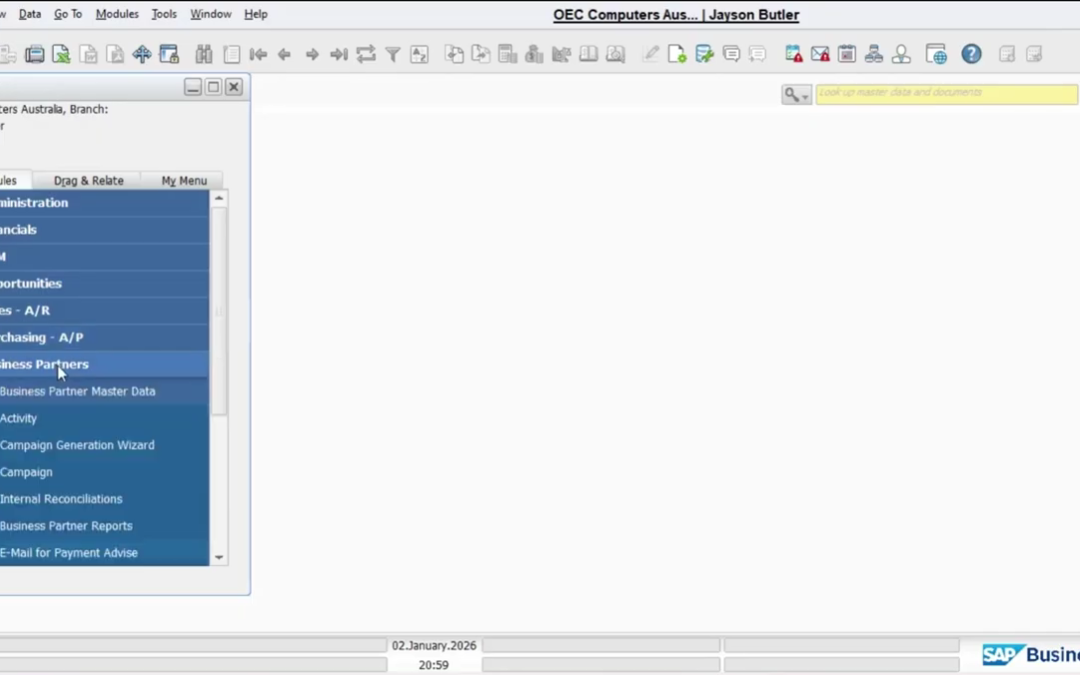
Where to Add Business Partner in SAP Business One
To begin the SAP Business One business partner setup, go to:
Business Partners → Business Partner Master Data
The Business Partner Master Data window will open.
Click the Add button from the menu bar to create a new record.
Required Details for Business Partner Setup
When creating a business partner in SAP B1, enter the following required information:
- Code
- Name
- BP Type
- Group
- Currency
- Payment Terms
- Accounting Details
Once all required fields are completed, click Add to save the business partner.
This completes the SAP Business One business partner master data setup.
Proper SAP B1 business partner management helps streamline sales, purchasing, and accounting transactions across the system.
If you need assistance with SAP Business One master data setup, consult your SAP partner or support team.